| Previous
|
|


Step-3 Begin Exam
Once you have successfully completed the Process Tracker download and the system launch checks, you can proceed to the Begin Exam stage.
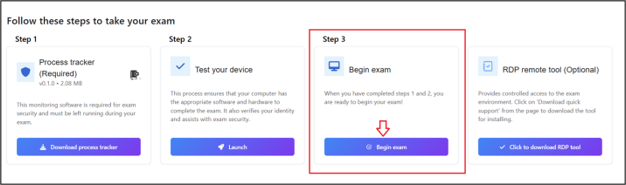
In this step, the system verifies that all required conditions are fulfilled, including acceptance of the user agreement, completion of system checks, photo ID and headshot verification, as well as room video capture. Once these validations are successfully completed, you can proceed to begin the exam.
Core Features
What happens if the proctor rejects your prerequisite check?
Test in progress: Various anomaly detection situations
Auto-Pause Triggered by Anomaly Detection
What happens if the proctor requests a room video during the exam?
Proctor-Controlled Pause Enabled for Pre-Approved Accommodations
Pause and Resume in LIVE Automated Proctoring
Auto-Pause Triggered by AI Flags During Assessment
 Other Topics