| Previous
Pause and Resume in LIVE Automated Proctoring
|
|


LIVE Automated Proctoring
During LIVE proctoring, the system records your video feed while actively monitoring for suspicious behaviour using advanced video analytics. You will not be able to switch windows or access other applications throughout the test.
LIVE Proctoring flags are automatically generated during an online test session to detect and record suspicious behaviour, technical issues, or potential rule violations.
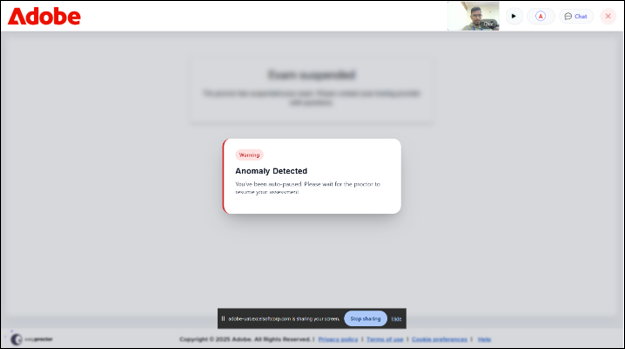
When multiple anomalies are detected during the exam, a first warning pop up will appear. The candidate must acknowledge and provide consent for the warning, which is triggered during the assessment period in response to any illicit actions. Refer to the image below.
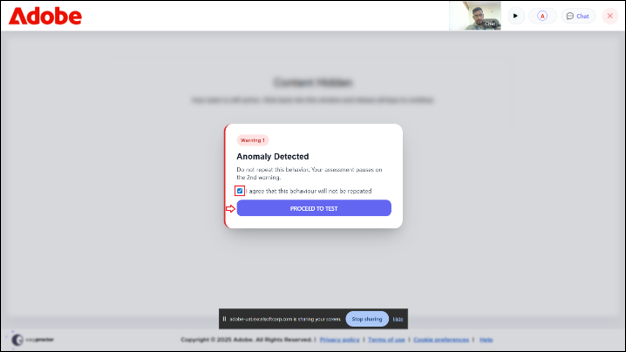
A warning pop-up appears on the screen, advising you not to repeat the behaviour. On receiving a second warning, your assessment will be paused. To continue, select the checkbox stating, “I agree that this behaviour will not be repeated” and then click the Proceed to Test button.
 Other Topics