| Previous
|
|


Post-Assessment Activities
Survey Submission
The survey will be conducted for the candidate once the assessment has been completed and submitted. After the candidate completes the assessment, the screen will present the survey instructions as illustrated in the image below.
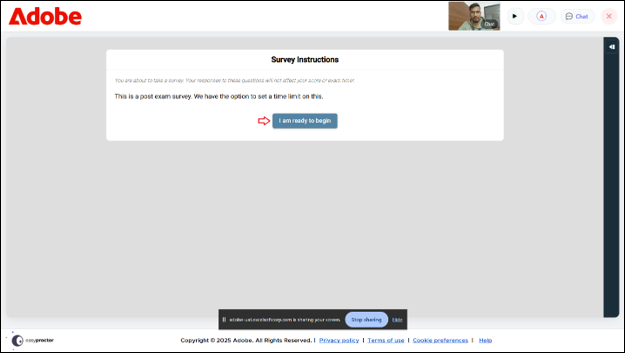
To begin with the survey, click on the I am ready to begin button. The screen displays the survey page as shown below.
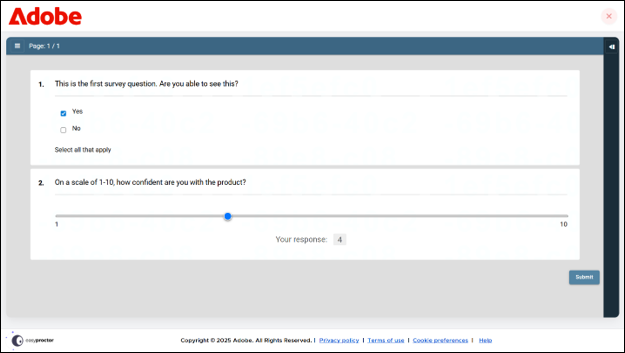
Once you complete the survey, click the Submit button. The screen displays the exam summary page along with the score details as shown below.
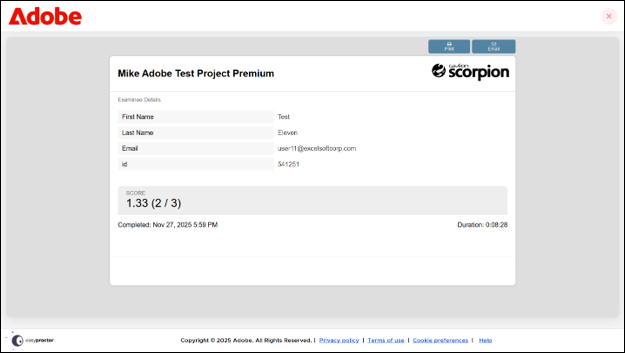
Click on Close icon and a pop up will appear asking for the confirmation to exit the test.
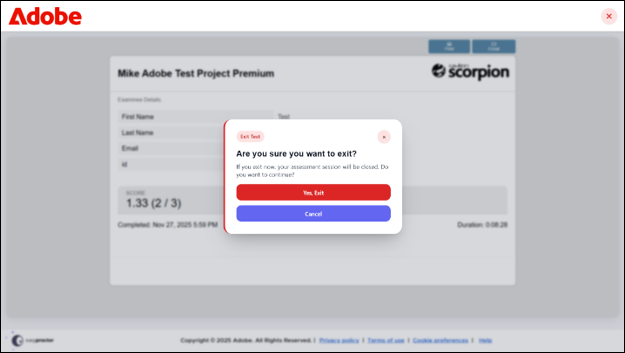
Click on Yes, Exit button and the screen displays a notification as session interrupted.
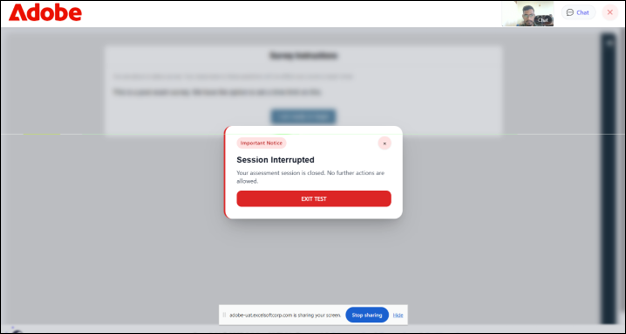
To exit, click the Exit Test button, this will close the test player and redirect you to the candidate dashboard.
 Other Topics