| Previous
|
|


Take Exam
The Take Exam button will become active only at the scheduled start time. (See image below for reference.).
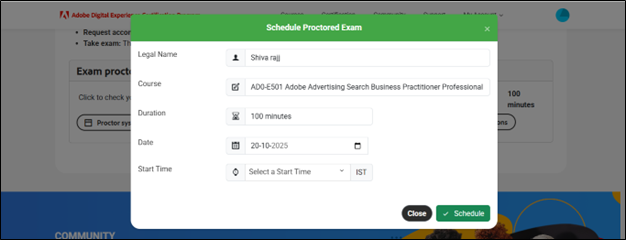
Take Exam button will be enabled before 10mins of the actual scheduled time. This is to ensure that you complete the pre-check and other approvals without loosing any assessment time.
Click the Take Exam button to navigate to the Assessment Dashboard page, which display all upcoming assessments, but access to each assessment will only be enabled after its designated start date and time.
If you have already started the exam, or if an exam session is still active (for example, in another browser tab, window, or device), a pop-up message will appear stating: You are already in an active exam session.
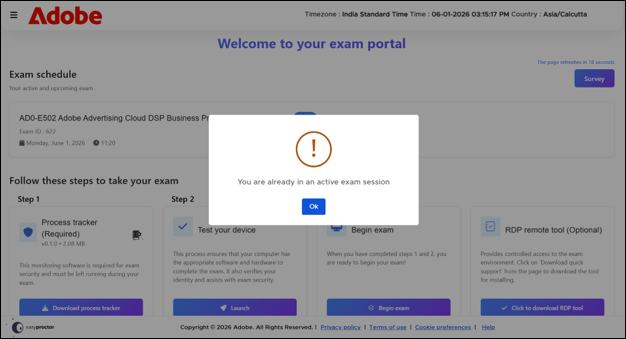
Click OK to close the message. This ensures that only one active session is maintained for the exam and prevents multiple simultaneous sessions.
 Other Topics