| Previous
|
Survey - Provide Your Feedback
|


Region-Based Language Display
Japanese localization has been enabled for candidates who select Japan as their region. The application interface is displayed in English by default, with an option to switch to Japanese. Candidates from other regions will continue to see the interface only in English, without the option to change the language.
Let’s look at how to switch the language from English to Japanese:
On the Assessment Dashboard screen, you can locate the language switch icon as highlighted in the below image.
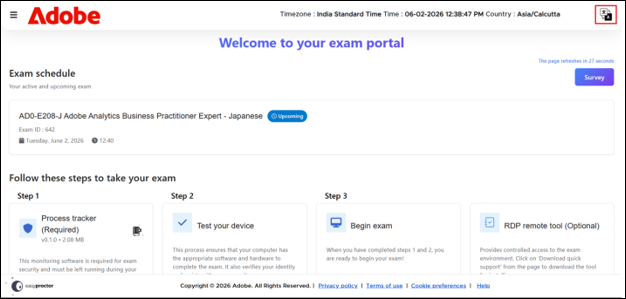
Clicking this icon will display the available language options.
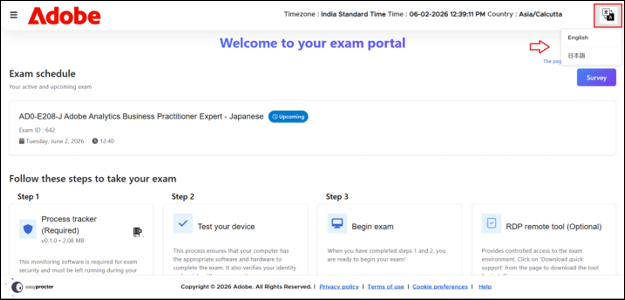
From the list, select Japanese as shown in the image.
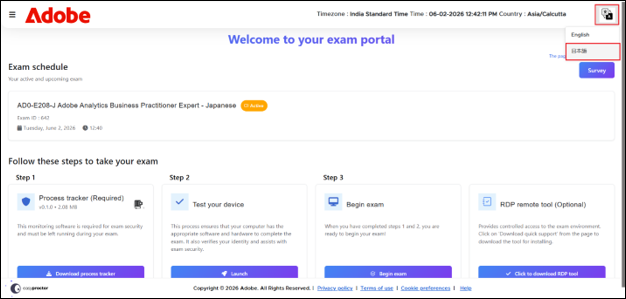
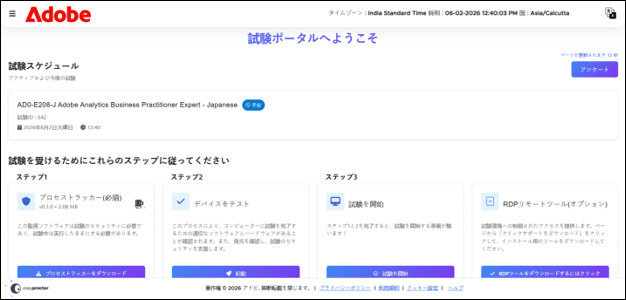
Once selected, the application interface will automatically switch to the chosen language.
 Other Topics