| Previous
|
|


Rescheduling
-
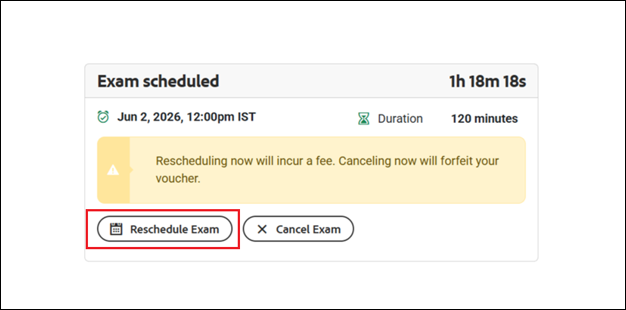
If you need to reschedule, click the Reschedule Exam button.
-
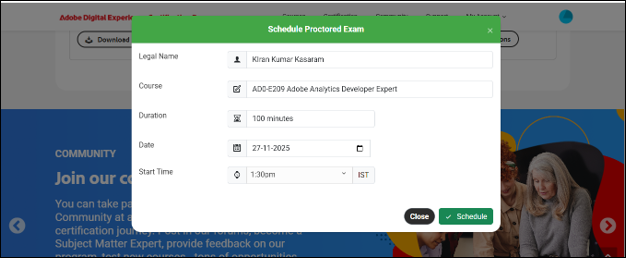
The Schedule Proctored Exam pop-up window will reappear.
-
Your previously selected slot will be displayed.
-
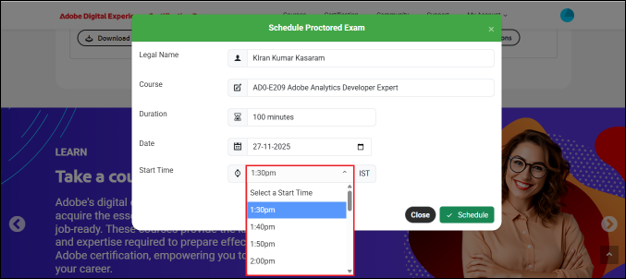
Choose a new time slot from the drop-down list.
-
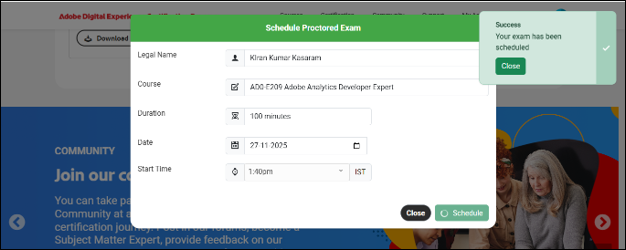
Click the Schedule button to confirm the change.
-
A success message will confirm that your exam has been scheduled.
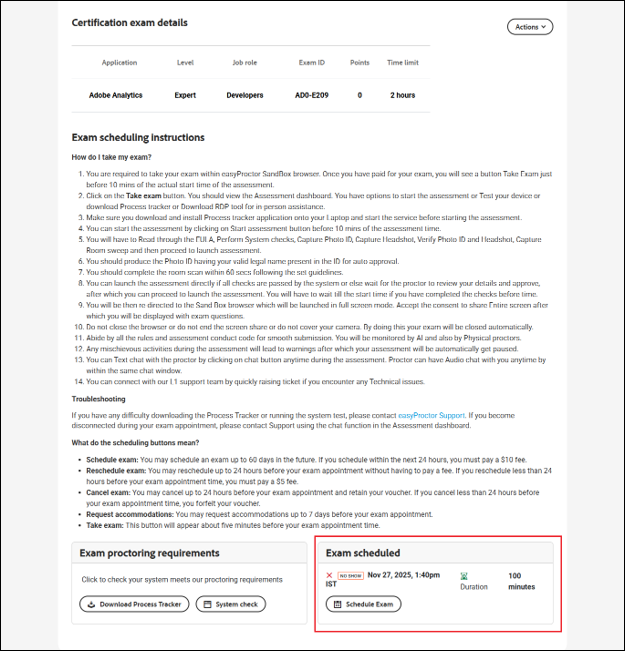
What happens if a candidate fails to launch the assessment within the scheduled duration?
If the candidate does not launch the assessment within the scheduled duration, the exam schedule session will display the status as No Show. This indicates that the candidate did not initiate the exam during the allotted time. Refer to the image below.
 Other Topics