| Previous
|
|


Exam Scheduling
Once you navigate to the Course Details page, follow these steps to schedule your exam:
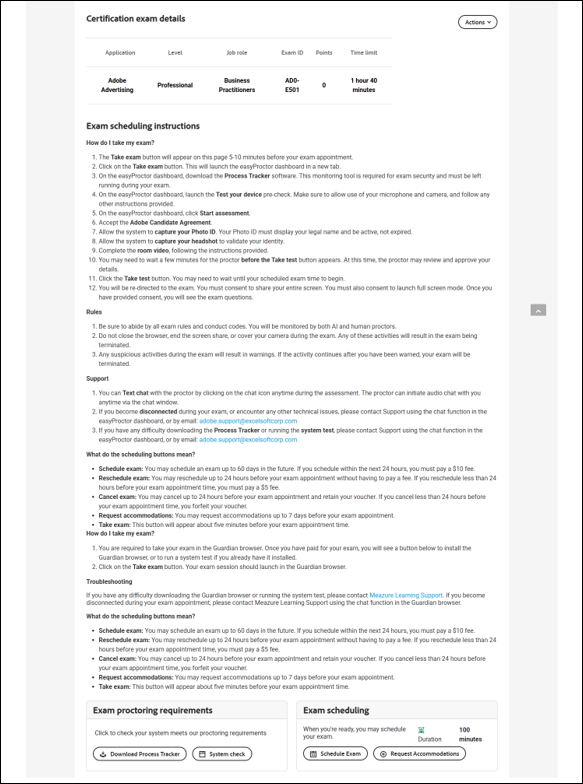
-
Click the Schedule Exam button located in the Exam Schedule section.
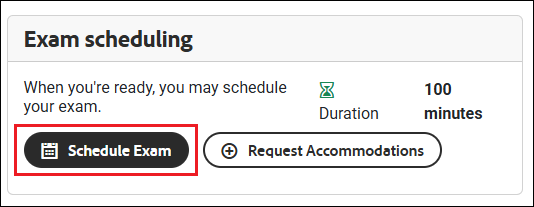
-
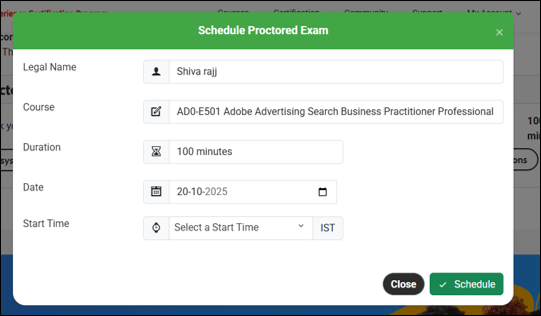
A Schedule Proctored Exam pop-up window will appear.
-
Your name, course title, exam duration, and exam date will be auto filled.
-
To select a time slot, click the Select a Start Time drop-down icon.
-
Choose an available slot from the list.
-
Once the slot is selected, click the Schedule button.
-
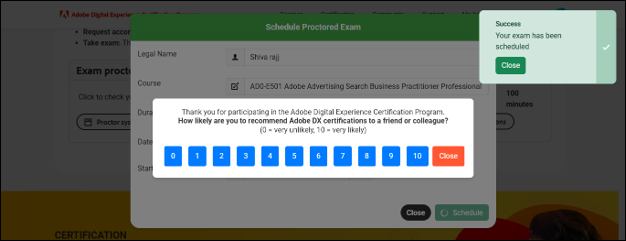
A confirmation message will appear, indicating that your exam has been successfully scheduled.
 Other Topics