Previous
Best Practices Operating Procedure

System check
Camera
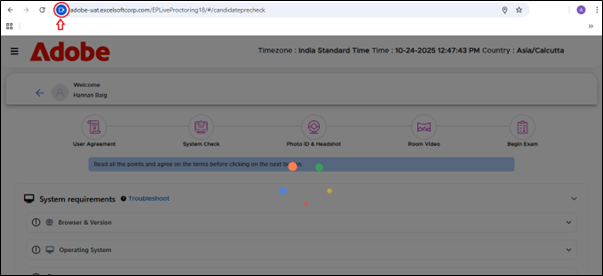
• If system check shows camera not available.
-
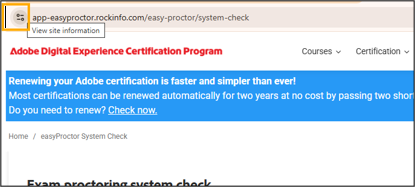
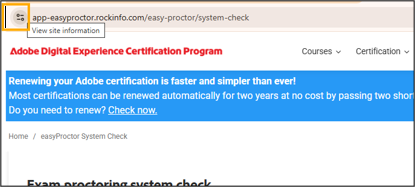
Click on view site information
-
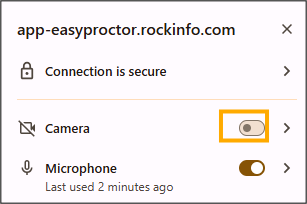
Enable camera permission
Microphone
-
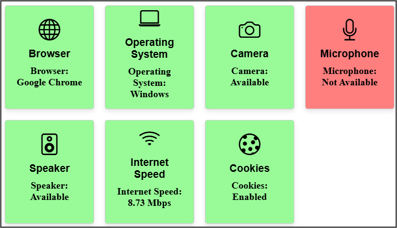
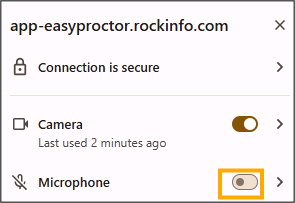
If system check shows that Microphone not available.
-
Click on view site information
-
Enable microphone permission
Popup blocker
-
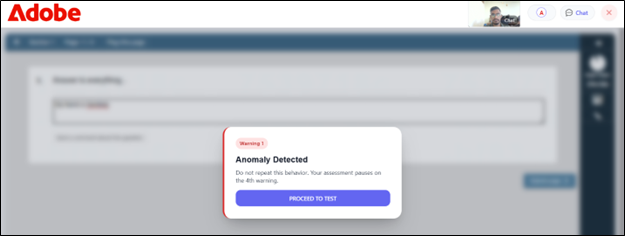
If Popup blocker is disabled

-
Click the popup blocker indicator located on the right side of the address bar.
-
Select Always allow pop-us and redirect from
Dual camera
-
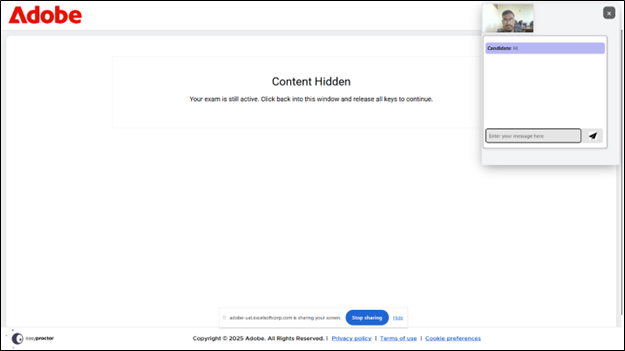
Open ‘Device Manager,’ locate the secondary camera under the ‘Camera’ section, right-click it, and select ‘Disable.’

Next
Third-party application is accessing the camera
