Previous

Third-party application is accessing the camera
-
Go to the settings in the browser.
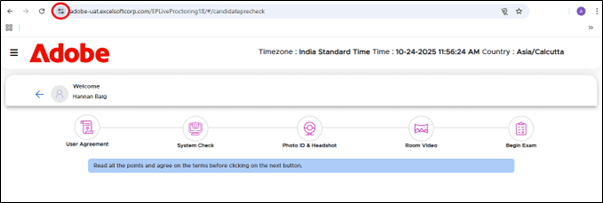
-
Privacy and security-->Site setting-->Camera
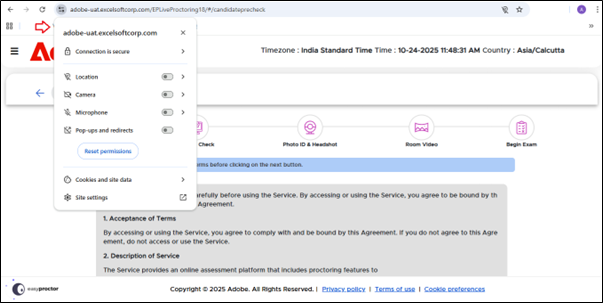
• As shown below, remove all websites or applications that have access to the camera, except for our designated exam link.
Next
Let apps access your camera is disabled
