Rescheduling Your Exam
-
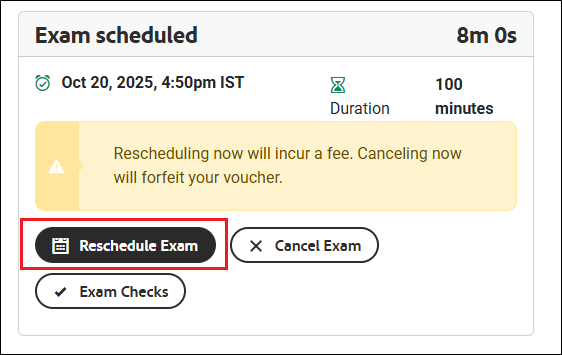
If you need to reschedule, click the Reschedule Exam button.
-
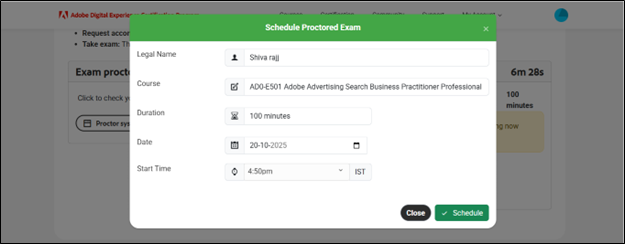
The Schedule Proctored Exam pop-up window will reappear.
-
Your previously selected slot will be displayed.
-
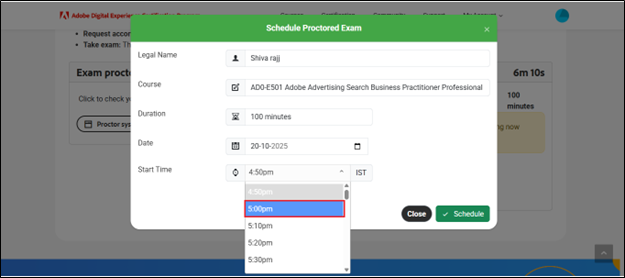
Choose a new time slot from the drop-down list.
-
Click the Schedule button to confirm the change.
-
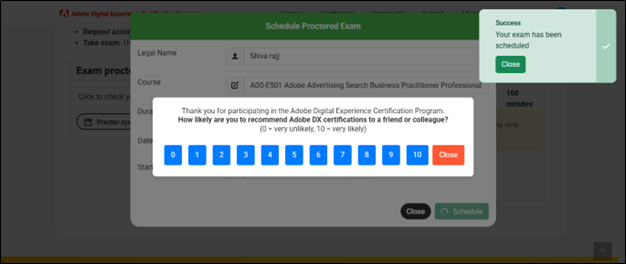
A success message will confirm that your exam has been scheduled.