Room Video
For ensuring secure and fair test-taking, the system will capture the video of your room. This helps the proctor to understand the environment of the candidate. You need to rotate your system to capture the room space.
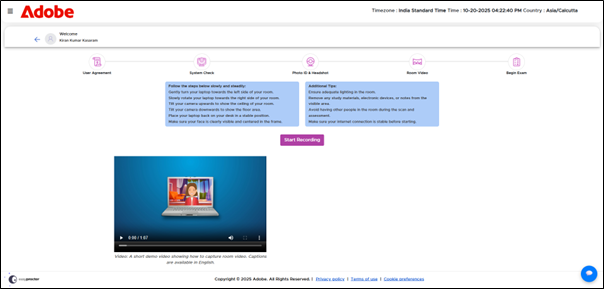
The system will automatically start capturing the video of your room for 1 minute and after 1 minute, the video capturing will end automatically.
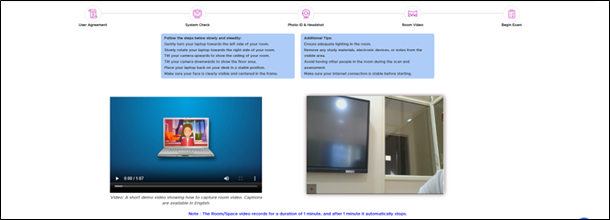
Once the video is captured, the screen displays the inline message as Room video is captured, click on Next button to proceed further.
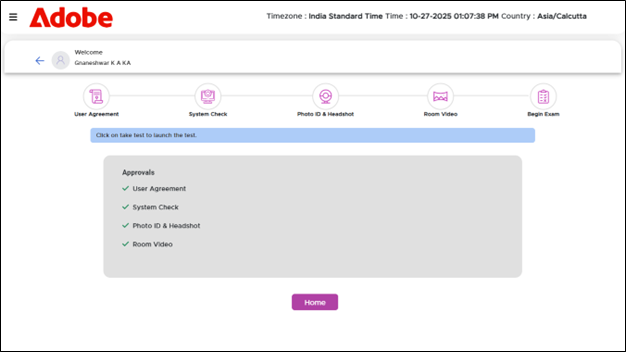
At this stage, your user agreement, system check, photo ID and headshot verification, and room video will have been successfully captured and verified. To return to the Homepage, click the Home button.
| To view the Guidelines for Room Scan, navigate to Homepage >> Step-by-Step Help: Dos and Don’t s |