Active test session
After clicking the Take Test button, the screen share options page will appear.
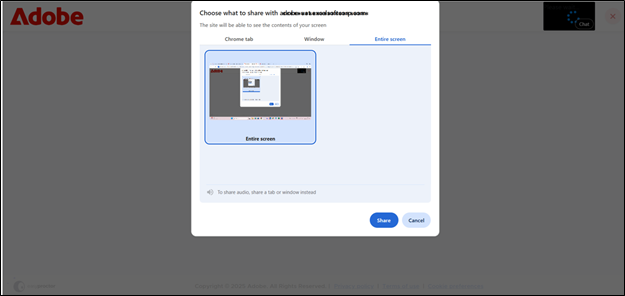
Select the screen or window you wish to share, then click Share to continue. The system will then take you to a screen where you will need to allow full screen access.
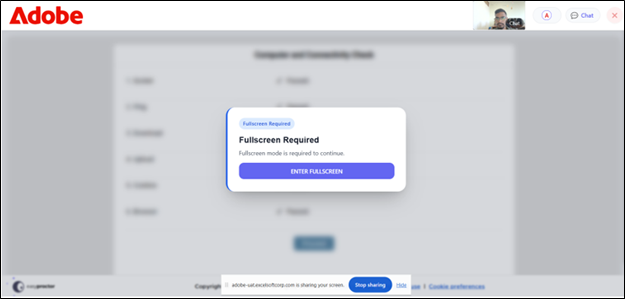
Click on the Enter Fullscreen button to get the below screen.
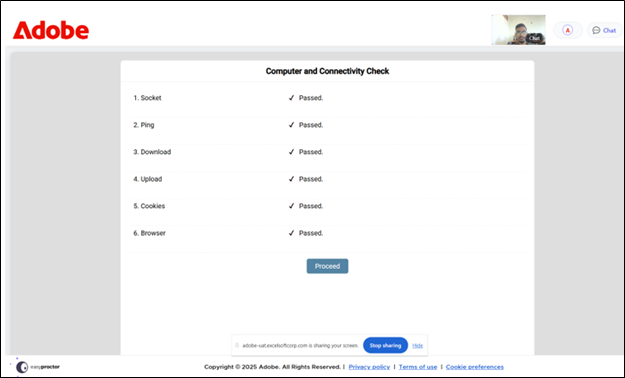
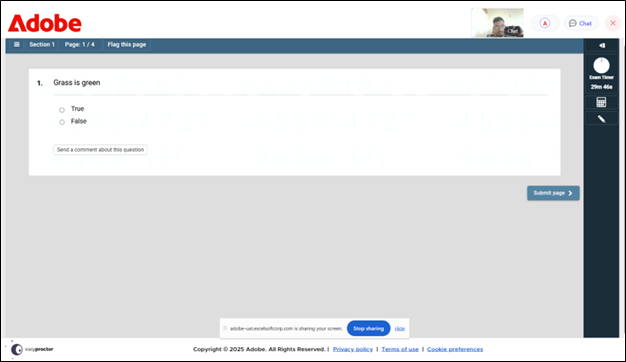
Click on the Proceed button and you will navigate to the test player screen.
|
What is the impact of clicking the 'Stop Sharing' button during a live proctored exam? Screen sharing is a mandatory requirement during a live proctored exam. If the candidate clicks the Stop Sharing button at the bottom of the screen, the test player will close automatically, resulting in the termination of the exam session. |